Website Audit
Free Website Health Check: How to Test Your Site’s SEO, Speed & AI Readiness
Your website looks fine. The pages load, the navigation works, and visitors can contact your business. But does that mean your website is healthy?…
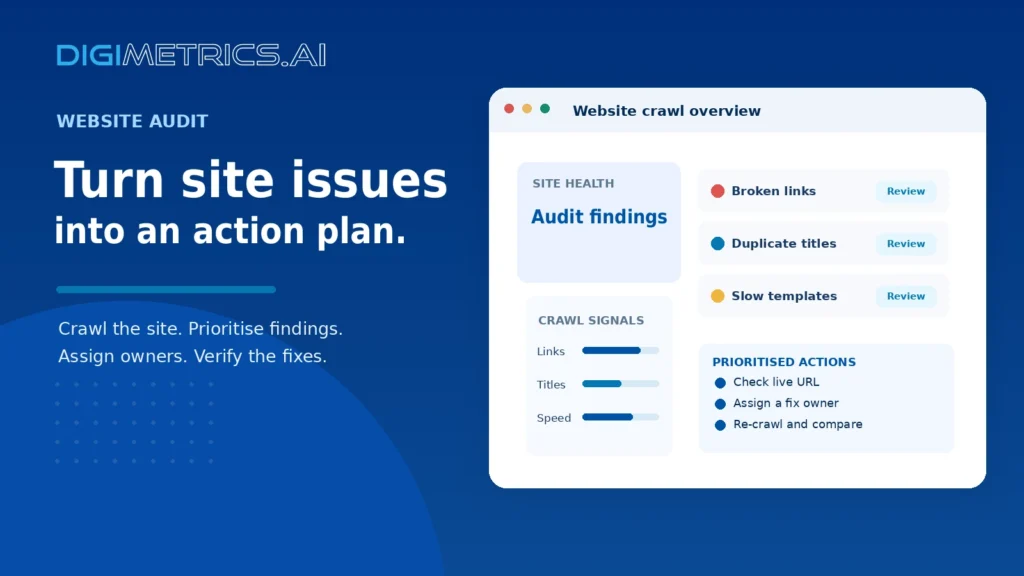
A website audit tool crawls a site and reports what needs fixing. Choose by how well findings turn into an action plan, not by check count. Small sites may manage on a free tier; larger sites need a paid plan covering their page count and seats.
A website can look fine to visitors and still lose rankings. Broken redirects, duplicate titles, or slow templates quietly hold back search visibility. A website audit tool crawls a site, checks it against SEO and technical rules, and reports what it finds.
The real value comes from ranking findings by business impact and effort, then assigning each fix to the right person, rather than from the overall score.
A website audit tool crawls your pages, flags problems, and helps you decide what to change. It differs from keyword research, which finds what people search for, and from rank tracking, which measures where you appear. An SEO audit tells you why a page may be underperforming, and its findings feed directly into site optimization and ongoing management decisions. Each finding is a data point that a search engine analysis can help prioritize.
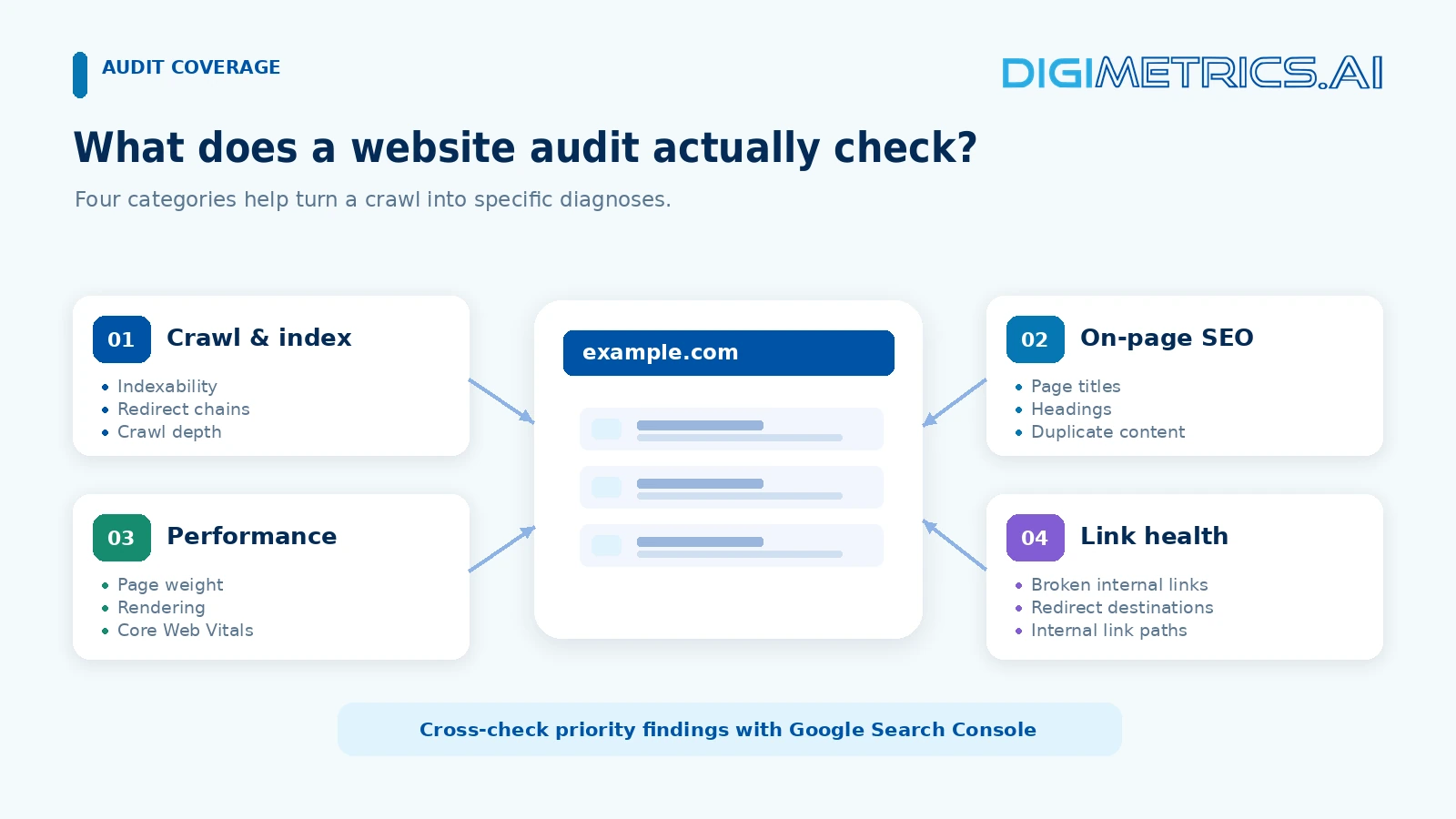
Core checks cover crawl depth, broken links, redirect chains, indexability, page weight, render-blocking resources, and Core Web Vitals signals. Google’s Search Central documentation explains how it handles indexability and redirects and measures Core Web Vitals as Largest Contentful Paint, Interaction to Next Paint, and Cumulative Layout Shift. On-page checks look at titles, meta descriptions, headings, internal links, and duplicate content. Connecting Google Search Console shows which flagged issues affect search traffic, giving you practical insights into what matters most.
Sort warnings with a triage matrix: estimated business impact against fix effort (low, medium, high), then assign an owner: content, developer, or marketing. Findings that cannot be placed in this grid are symptoms, not plans.
Worked example: suppose a crawl returns 40 findings. Duplicate meta titles on a 12-page service section go to a high-impact, low-effort content owner. A render-blocking script flagged on a blog template goes in medium impact, high effort, developer owner. A missing alt attribute on a decorative icon goes in low impact, low effort, content owner and can wait. Placing each finding this way turns a long list into a sequence.
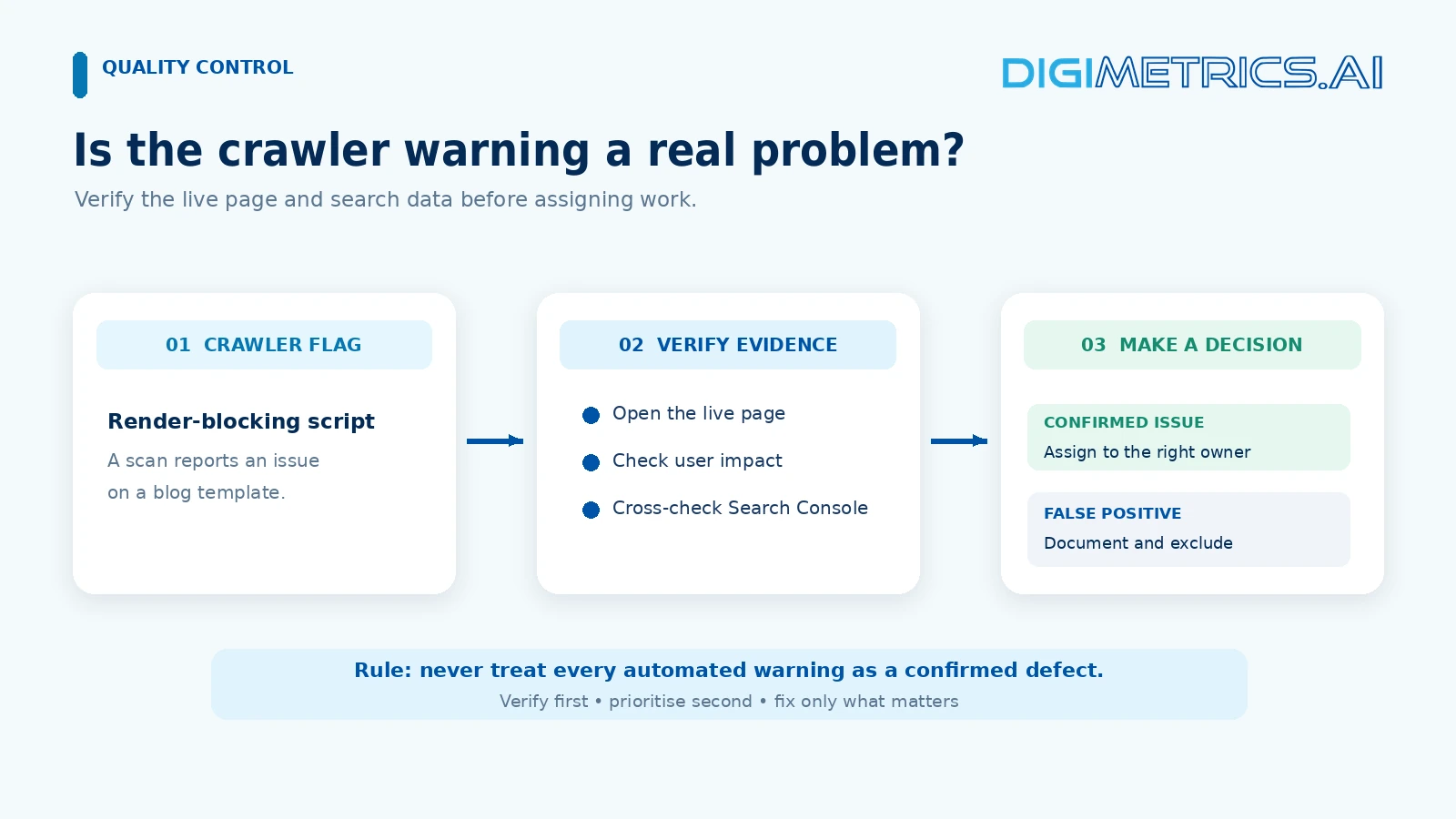
Some warnings are artefacts of the report itself. A crawler may flag a script-loading issue that does not affect users or rankings. Neil Patel’s Ubersuggest, one of Neil Patel’s SEO tools, shows how performance findings can look alarming before you check them. Confirm each warning on the page and in Search Console data before acting on it, so your free website audit stays focused on real problems.
The decision turns on crawl scale, number of users, and reporting needs, not on how many features a tool lists. Each tool’s analysis of these factors helps teams weigh performance against cost.
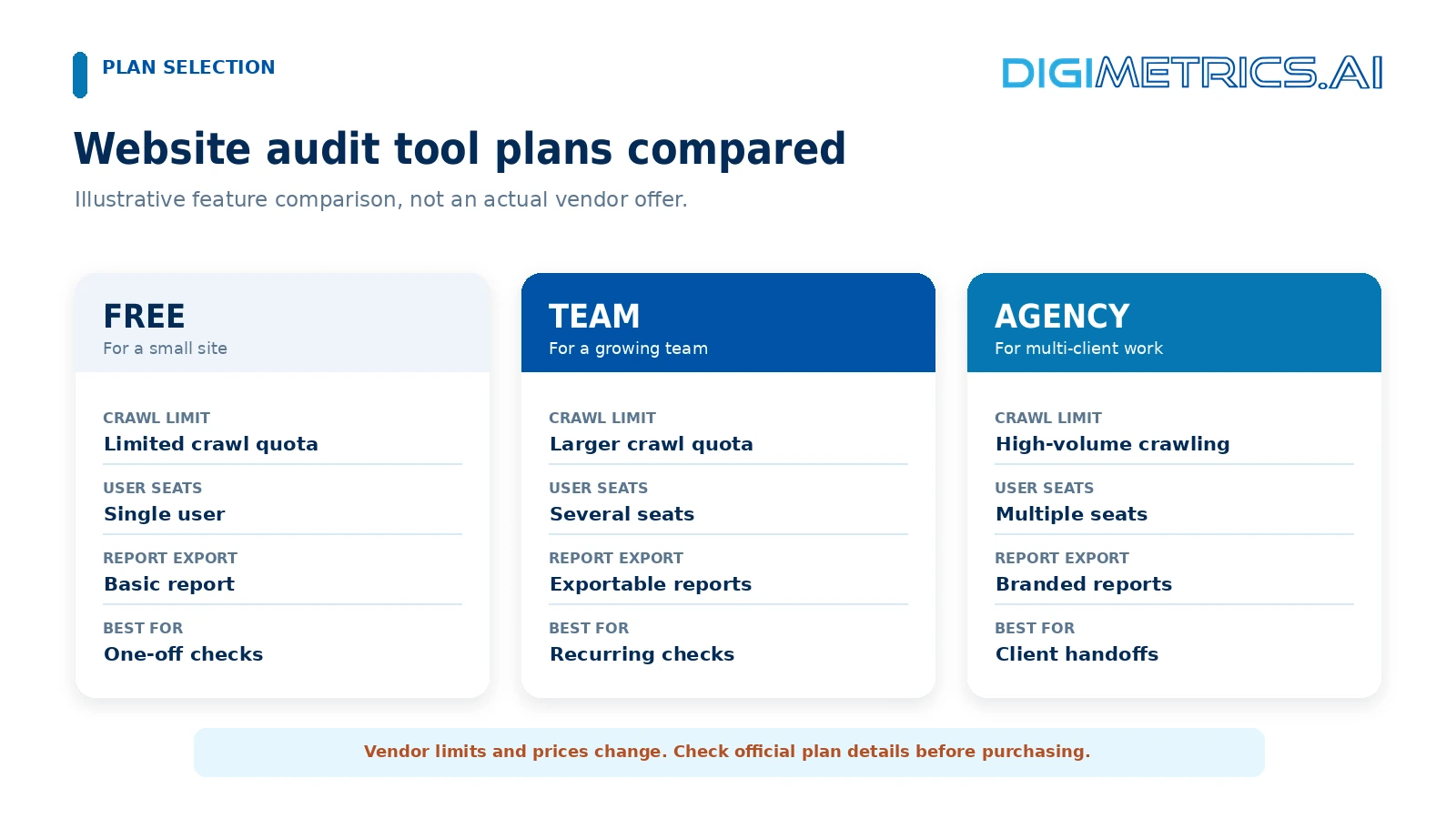
Free tools have a ceiling. The free version of Screaming Frog crawls up to 500 pages, a limit reported in a 2023 review, so confirm it on Screaming Frog’s own site. That suits a small brochure site but not a catalogue. DAXRM offers a free plan for up to three accounts. Vendor caps change, so check each plan page before you commit. Free tools suit one-off checks but fall short for recurring audits and ongoing site health management. A free website audit gives a useful snapshot, but it rarely supports continuous search engine optimization work.
Paid tools package user seats, crawl limits and report access. Seoboost reportedly lists annual plans at $124, $249, $499, and $749, and monthly packages starting at $99. Please treat these as third-party figures and verify the current prices on the vendor’s pricing page. Paid plans also tend to include technical SEO checks and keyword research features that free tiers omit, and many bundle social media reporting alongside their website SEO services.
| Factor | Free tools | Paid tools |
|---|---|---|
| Crawl limits | Capped (e.g. 500 pages) | Scaled by plan |
| Users | Few accounts | Multiple seats |
| Client reporting | Basic or none | Exportable, branded |
Move to a paid plan when page count, team size or client reporting outgrows the free ceiling. A site past about 500 pages, or a team needing more than three seats, has usually outgrown free tiers.
Digimetrics.ai offers an AI-powered website audit tool that helps businesses identify technical SEO problems, evaluate website performance, and turn audit findings into actionable improvements.
Unlike tools that simply generate an SEO health score or a lengthy list of warnings, Digimetrics.ai combines technical crawling, on-page SEO analysis, website speed checks, and AI search visibility assessments to provide a more comprehensive picture of website health.
Its Technical SEO Crawler identifies issues involving crawlability, indexability, internal links, and metadata. Complementary tools assess page speed, structured data, content optimisation, and opportunities to improve visibility in AI-powered search engines.
A key differentiator is its focus on prioritized recommendations. The platform organises audit findings into a practical action plan, helping website owners and marketing teams prioritize their issues. Its AI assistant, Monty, explains technical findings in plain English and guides users on next steps.
Digimetrics.ai pricing: The platform offers a seven-day free trial with 200 credits and no credit card required. Paid plans start at US$39 per month, with higher tiers offering deeper audits, more projects, scheduled checks, and additional reporting.
For businesses that need more than a basic free website audit, Digimetrics.ai offers an integrated approach that combines SEO diagnostics, technical website auditing, content optimisation, and Generative Engine Optimisation (GEO) all in one platform.
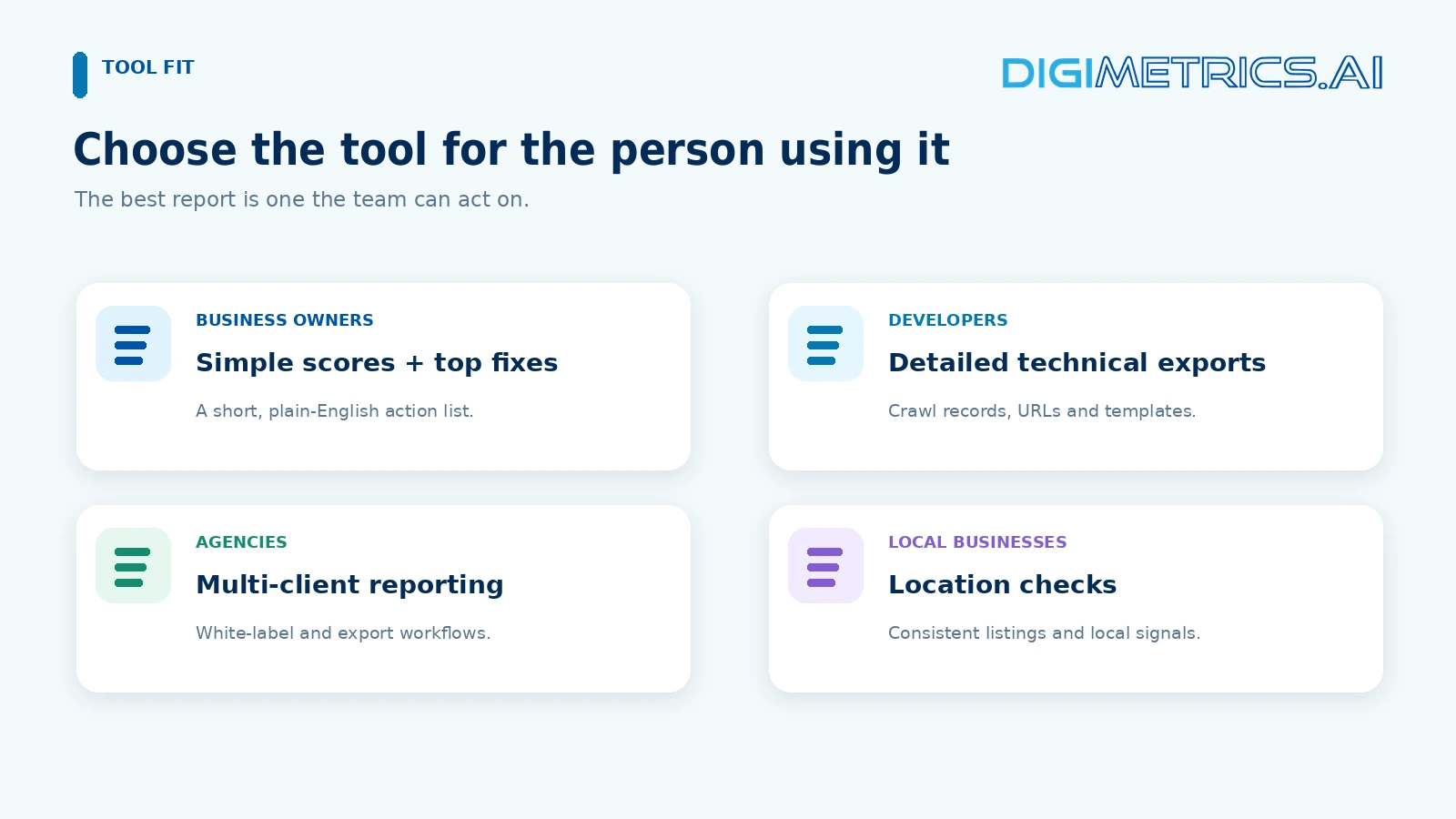
Business owners need plain-language scores and a short list of fixes. Developers need crawl data and exportable detail. Agencies need white-label reports. Local businesses often need location-level checks more than deep crawls. Match the tool to the person who will act on the report, since good insights only help when the right person can use them to improve the user experience.
Start from the symptom and work back to the module that diagnoses it.
| Site symptom | Module that diagnoses it |
|---|---|
| Pages missing from search results | Indexability and crawl checks |
| Slow pages on key templates | Performance and speed evaluation |
| Duplicate or thin titles | On-page SEO checks |
| Inconsistent business listings | Local SEO checks |
Shortlist each website SEO audit tool on symptom coverage, accuracy, export options, Google Search Console integration and support. A tool that flags every issue but provides unactionable findings is the wrong choice. Strong SEO analysis matters more than the number of issues flagged.
Use the trial on your site. Seoboost notes that once the free trial ends, you choose from its paid plans, so run a real crawl and see whether the output sorts into the triage matrix without manual rework, which helps you judge the tool’s insights against your site. Some teams also start with a free SEO tool to test the workflow before committing to a paid plan.
A website audit tool supports decisions only when you sort findings by business impact and effort, then assign them to an owner. A list of symptoms, not a plan, can’t be sorted into the Impact-Effort-Owner Triage Matrix without rework. Strong SEO audit reports and site performance analysis start with that sorting step.
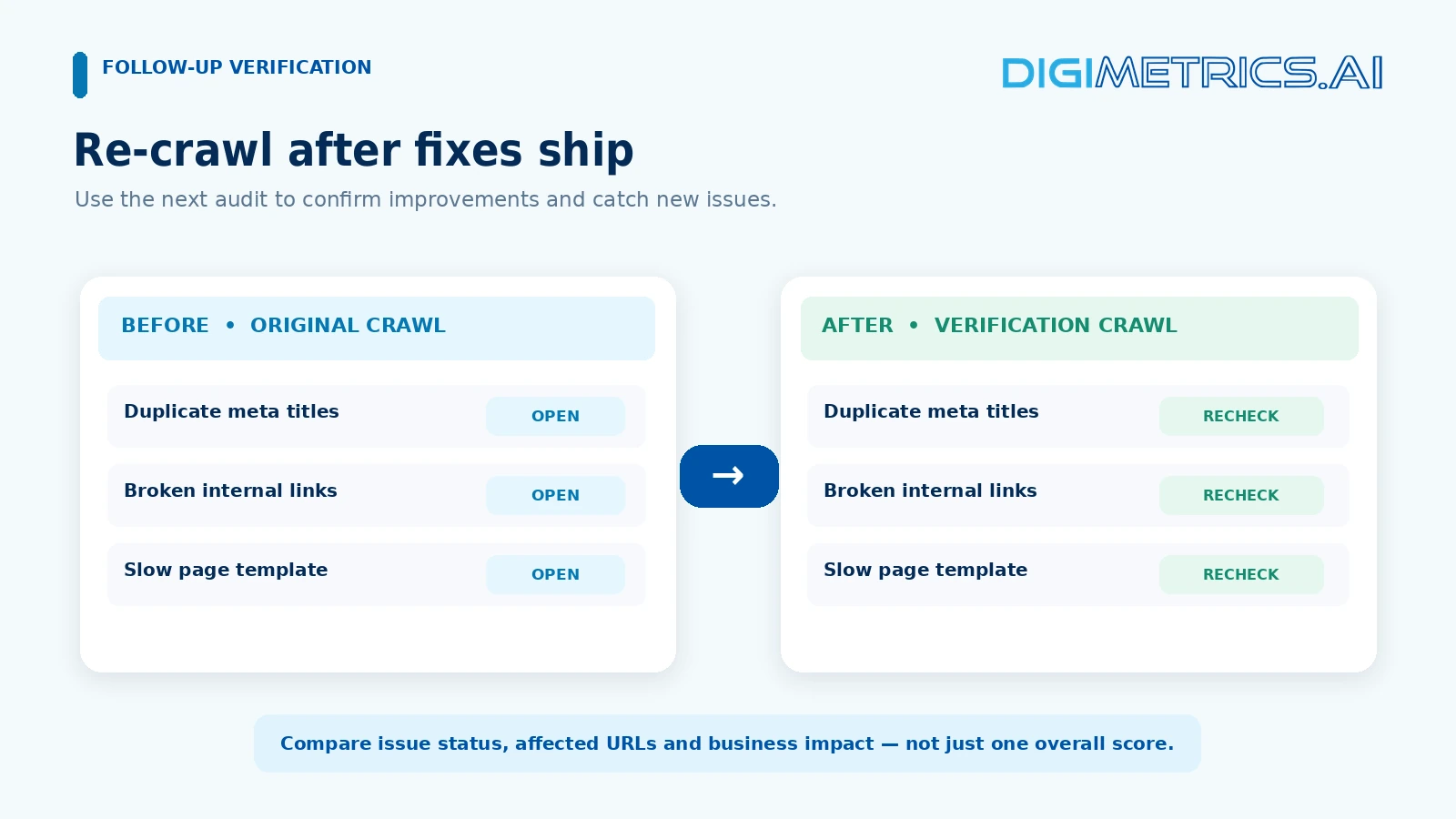
Run one crawl this week, sort the top ten findings into the matrix, and assign each fix a named owner. Repeat the audit after your next major release and compare the two runs.
For a brochure site of a few dozen pages, usually yes. Free tiers suit one-off health checks, but the caps matter. Epiphany Infotech reports that some free audits cover only 100 pages a month, while Screaming Frog’s free version crawls up to 500 pages. For larger or frequently changing sites, a paid plan often costs less than the time spent working around the limit.
Run one after every major change, such as a redesign, migration or platform update. Otherwise, run one monthly for content-heavy sites or quarterly for stable ones. A rising issue count after a release usually points to the change that caused it.
An SEO analyzer usually checks one page or a few URLs against basic rules. A website audit tool crawls the whole site, following internal links to map indexability, redirects, broken links, and duplicate content.
No. An audit diagnoses site health: whether crawlers can crawl, index, and render pages correctly. Rank tracking measures where pages appear for specific queries. Use Google Search Console to see whether fixes affect visibility.
No. The tool flags issues and, at best, suggests fixes. Developers change templates and redirects, while editors rewrite titles and consolidate thin pages. Please assign each finding to its respective owner, and then recrawl to confirm that the changes were effective.

Tom is the CEO of MediaOne, a leading digital marketing agency. He is a business-experienced SEO consultant as well as a Google Gold Search Expert serving the international community. He has consulted for MNCs like Canon, Maybank, Capitaland, SingTel, ST Engineering, WWF, Cambridge University, as well as Government organisations like Enterprise Singapore, Ministry of Law, National Galleries, NTUC, e2i, SingHealth. His articles are published and referenced in CNA, Straits Times, MoneyFM, Financial Times, Yahoo! Finance, Hubspot, Zendesk, CIO Advisor. Under his stewardship, MediaOne has won dozens of prestigious digital marketing awards.
Run a free Digimetrics audit across SEO, AI search, content and technical health, and get a plan you can act on today.
Start free →Your website looks fine. The pages load, the navigation works, and visitors can contact your business. But does that mean your website is healthy?…
A website speed test tool tells you how quickly your pages load, but the score is only the start. The useful reports are the…
A website technical SEO checker can return long lists of warnings, but most don’t cost traffic. A stray noindex tag or a robots.txt rule…