SEO Audit
Competitor SEO Analysis Tool: How to Choose One and Use It to Outrank Rivals
Contents hide 1 Key Takeaways 2 How to Choose a Competitor SEO Analysis Tool 3 Introduction: Why a Competitor SEO Analysis Tool Matters in…
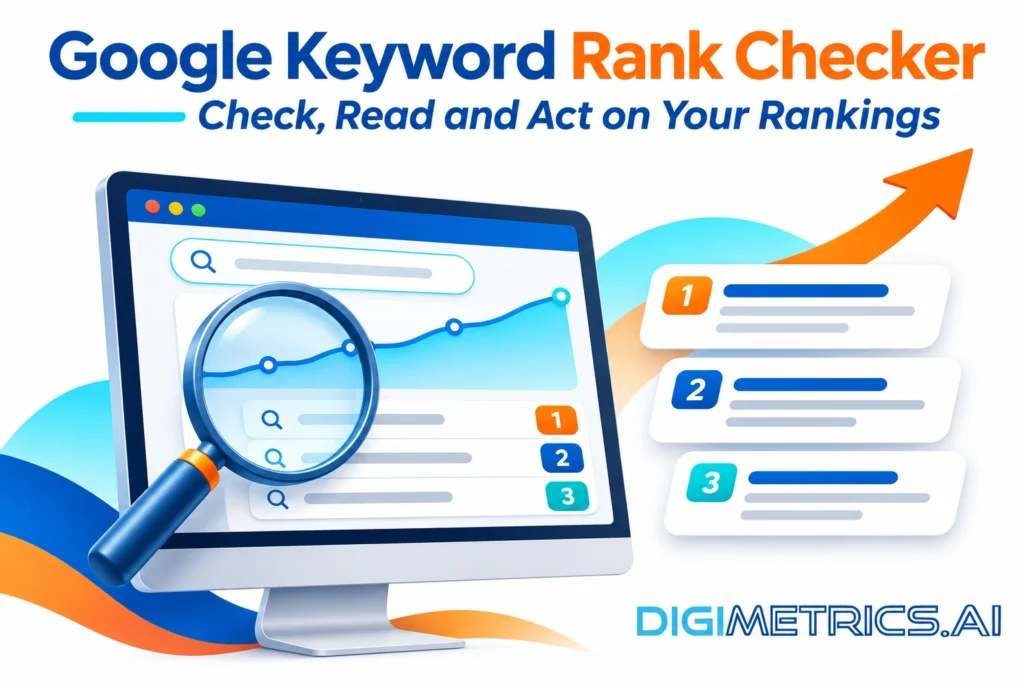
Most small and mid-sized US sites do not need a paid rank tracker. Google Search Console is free and reports real data on your site’s search performance, including the keywords and average position your pages earn in Google search results. Paid tools suit competitor analysis, high-volume SERP snapshots or automated client reporting. This guide explains how to use a Google keyword rank checker, from manual checks to free and paid tools, and how to decide which tools are worth your time.
Quick answer: Start with Search Console for free trend data on your keyword rankings. Check a few priority keywords by hand in a private window. Buy a paid tracker only when you need competitor data, daily snapshots or automated reporting.
A keyword ranking is the position your page holds in Google’s organic results for a specific query, in one location, on one device, at one moment. Results shift with location, device and personalization, so the same website can rank differently for US users on the same day. A Google rank checker records these positions, so you can track how your search engine visibility changes over time with keyword tracking. The best Google tool depends on how often you need updates and which features matter most to your team, and your SEO strategy should determine how often those checks run.
Google Analytics does not report keyword rankings on its own. Google Analytics 4 does not provide access to organic keywords, so it cannot show your position. As one SitePoint community discussion puts it, Google Analytics can show which keywords are driving traffic to your website, but it does not show where you rank. Analytics shows what visitors did after arriving; a Google keyword rank checker shows where you appeared in the search results before the click, which is why teams pair it with other tools for a fuller view.
Clicks fall away steeply down the page. According to Serpstat, the average click-through rate for position 1 is 27.6 percent, position 2 is 15.8 percent, and position 3 is 11 percent. Each position gained can change how much traffic your website receives, so every page’s content should target a query worth ranking for.
Treat these as study averages from one dataset, not guarantees for your niche. Click behavior varies by query type, and the figures describe averages across many keywords.
Run one check by hand first. It shows what a Google rank checker measures and gives you a baseline to verify any tools against. Start with keyword research so you know which exact phrases to track, and make sure each tracked phrase supports your seo strategy.
The manual check is precise for one keyword but slow across many. Search Console covers many keywords at once but averages the results. Ongoing keyword tracking across many terms is where a dedicated tool earns its cost, while a single keyword’s keyword rankings are easy to confirm by hand.
Work through this decision in order. Choose the first option that works for you.
Search Console reports clicks, impressions, average position and average CTR, and is the baseline for most sites. Its underlying Search Console API is free but serves a different purpose from the commercial tools. Paid trackers add daily SERP snapshots and competitor data, which a Google rank checker alone does not provide. DataForSEO lists SERP data from $0.0006 per task, a price quoted on that page, so the cost depends on check frequency and keyword count. Among the best Google ranking checker tools, compare the features each offers, such as alerts and export options, against what your reporting actually requires. Paid tools also handle keyword tracking across many terms at once, which manual checks cannot match at scale.
| Option | Best for | Main limit |
|---|---|---|
| Search Console | Trends and query discovery | Averages, not daily ranks |
| Manual checks | A few priority keywords | Time-consuming at scale |
| Paid tracker | Competitors, daily data, reporting | Recurring cost |
A paid tool is worth buying when the traffic it protects or wins exceeds its cost. Illustrative case: a keyword with 1,000 monthly searches gains roughly 215 clicks a month by moving from the second position (about 7.5% CTR in the Serpstat average) to first (above 29%). If each click is worth enough to your business, that may cover a tracker. Check the numbers with your own volumes, conversion value and tool price.
Full SEO suites bundle rank tracking with research and backlink tools. Semrush and Ahrefs both offer position tracking within their paid plans, with competitor comparisons and scheduled reports. Moz also includes rank tracking alongside its keyword research features. Check each vendor’s current pricing page before choosing, since plan prices and limits change, and confirm which features each plan includes. Please verify the keyword limit based on the plan you select before making a purchase.
Start with average position, which Google calculates as an impression-weighted average across every impression a query earned in the period, not the rank on a given day. Read the trend across several weeks, not a single reading. Reports also track features that appear above organic results, such as featured snippets, which can shift how a position translates into clicks. A Google Rank Checker shows these trends, but the interpretation still depends on context. Effective keyword tracking shows these trends over time, so never base action on a single reading.
Pair position with clicks and impressions. A keyword that moves from position 8 to 5 with flat impressions has improved. The same move with impressions falling sharply may reflect a change in what Google shows for that query, not your page’s performance.
Before acting on any change, rule out a faulty reading. A top-10 keyword suddenly reported at position 100 often signals a collection error, since tracking tools that report ranks beyond page 1 can return anomalies. Verify it with a routine:
Only a drop that survives all four checks justifies a response.
Improve pages in order of opportunity:
For more on tracking and reporting, see the resources on Digimetrics.
If you track a modest number of keywords, Search Console alone is enough, though a monthly manual check on your top terms still helps. Move to a paid Google Rank Checker only when you need competitor data or same-day monitoring during a migration. Review your setup quarterly.
Your next step: open Search Console this week, filter by one keyword group, and record average position for your top five terms in the search results.
Yes. Google Search Console is a free tool from Google that reports average position, clicks and impressions for the search queries that bring people to your website. Average position is an impression-weighted mean across all keywords, an overall visibility score rather than an exact rank, so it suits trend tracking better than daily checks. Its Search Console Help documentation explains how it calculates the figure.
Results depend on location, device and personalization, so no tool shows one universal ranking. Before acting on a change, rule out collection errors. A top-10 keyword suddenly reported at position 100 often signals a failed check, so repeat the check with the same settings first.
For most sites, check Search Console weekly for trends, and more often during migrations, algorithm updates or launches. Daily swings in average position rarely mean much.
No. Google Analytics shows how visitors reached your website and what they did there. Google Analytics 4 does not provide access to organic keywords by default, so for ranking positions, use search-side data or a rank tracker.
Use the same location and device in every check. US results vary by city and device, so a mobile search from New York may differ from a desktop search in Dallas. Commercial trackers let you pick a city or postcode.
For most small US websites, start with Search Console. Add a paid tracker when you need competitor data, daily snapshots across many keywords, or automated client reporting. Paid options like DataForSEO start at $0.0006 per task, so compare that cost with the traffic value of the keywords you track.

Tom is the CEO of MediaOne, a leading digital marketing agency. He is a business-experienced SEO consultant as well as a Google Gold Search Expert serving the international community. He has consulted for MNCs like Canon, Maybank, Capitaland, SingTel, ST Engineering, WWF, Cambridge University, as well as Government organisations like Enterprise Singapore, Ministry of Law, National Galleries, NTUC, e2i, SingHealth. His articles are published and referenced in CNA, Straits Times, MoneyFM, Financial Times, Yahoo! Finance, Hubspot, Zendesk, CIO Advisor. Under his stewardship, MediaOne has won dozens of prestigious digital marketing awards.
Run a free Digimetrics audit across SEO, AI search, content and technical health, and get a plan you can act on today.
Start free →Contents hide 1 Key Takeaways 2 How to Choose a Competitor SEO Analysis Tool 3 Introduction: Why a Competitor SEO Analysis Tool Matters in…
Multi-location businesses can get a misleading picture from a rank tracker that checks keywords from one central point. Customers in other neighborhoods may see…
A competitor backlink gap analysis finds domains that link to your competitors but not to you, turning “get more links” into a ranked list…